

Upload Your UV DTF Sticker Gang Sheet
Inch ↔ Feet Converter
Orders placed before 2:00 PM Central Time (CST) will be shipped the same day. Orders placed after 2:00 PM will be shipped on the next business day.
For local pickup, place your order by 11:00 AM CST to qualify for same-day pickup. Orders placed after that time will be available the following business day.
We're here for you — anytime, day or night. Whether you have questions, need help with an order, or run into an issue, our team is always ready to assist.
📞 For urgent matters, call us at
+1 (682) 354-4200
📧 Or email us anytime at
order@dtfprints2go.com
💬 Live chat and contact form options are also available for your convenience.
Your satisfaction is our priority.


 The Fastest DTF
The Fastest DTF
The Fastest DTF
The Fastest DTF
The Fastest DTF
The Fastest DTF
The Fastest DTF
The Fastest DTF
The Fastest DTF
The Fastest DTF
The Fastest DTF
The Fastest DTF
The Fastest DTF
The Fastest DTF
The Fastest DTF
The Fastest DTF
The Fastest DTF
The Fastest DTF
The Fastest DTF
The Fastest DTF
The Fastest DTF
The Fastest DTF
The Fastest DTF
The Fastest DTF
The Fastest DTF
The Fastest DTF
The Fastest DTF
The Fastest DTF
The Fastest DTF
The Fastest DTF
The Fastest DTF
The Fastest DTF
The Fastest DTF
The Fastest DTF
The Fastest DTF
The Fastest DTF
The Fastest DTF
The Fastest DTF
The Fastest DTF
UV DTF Gang Sheet - Upload a Print-Ready File
Streamline Your Printing Workflow with DTFprints2go
UV DTF Gang Sheet
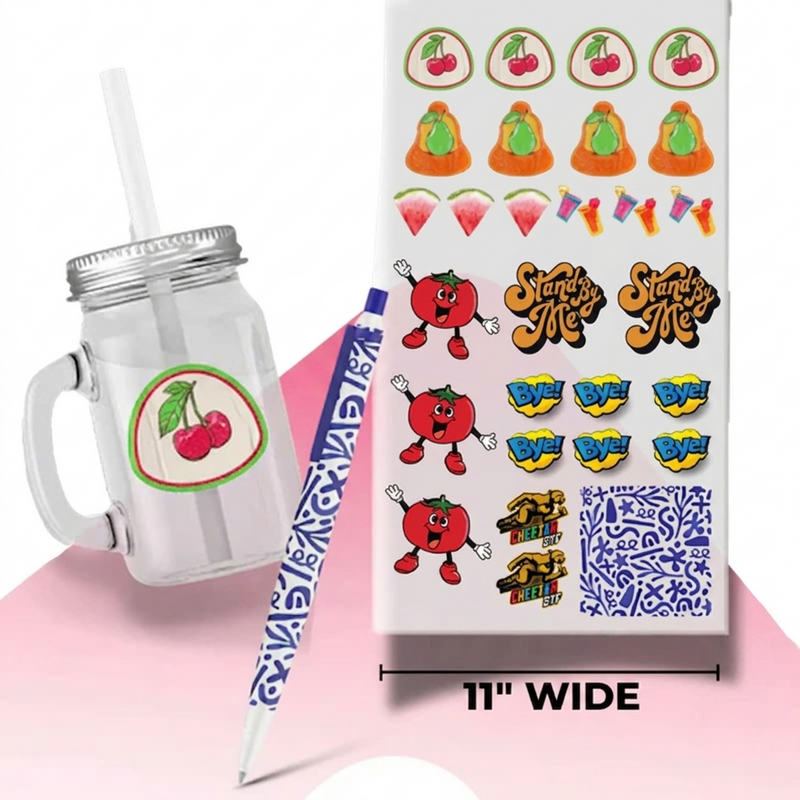
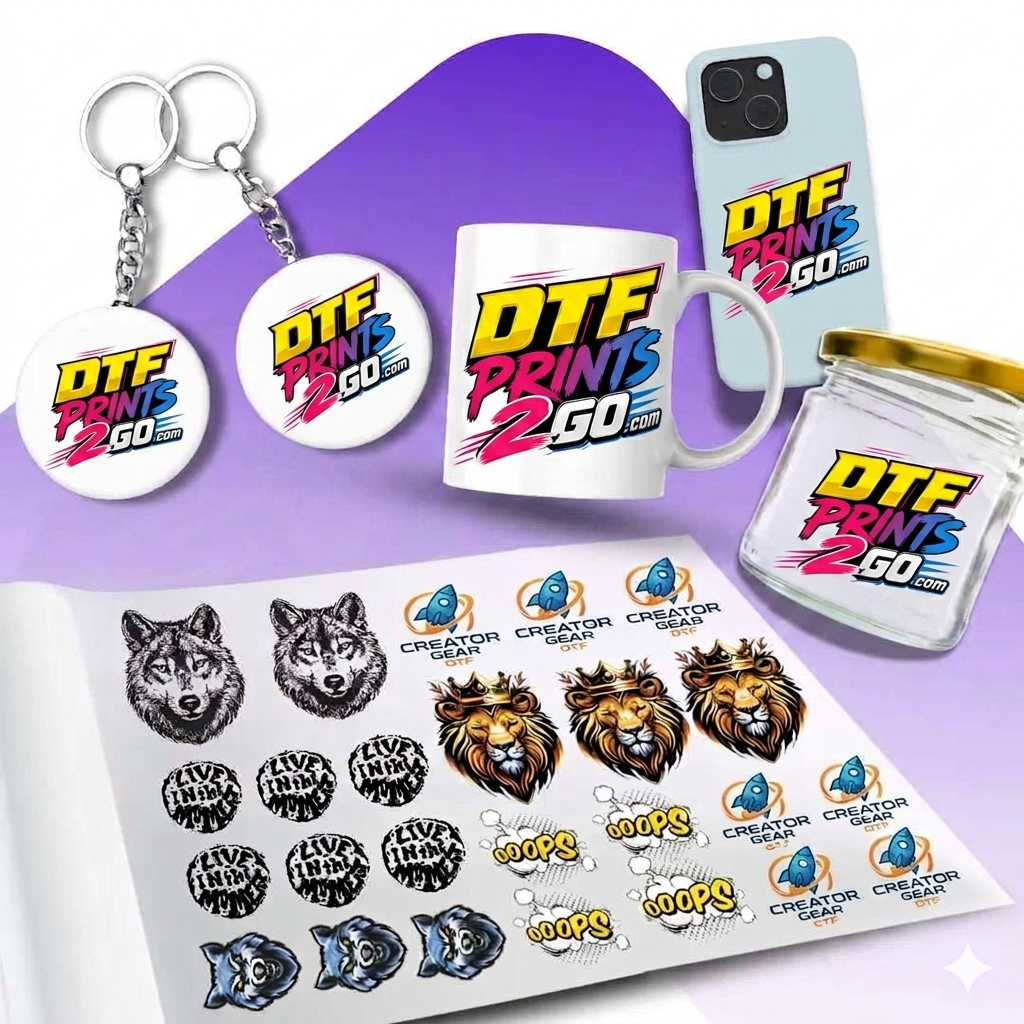
Imagine printing multiple UV stickers simultaneously and accelerating your production in ways that were previously impossible. The faster you print, the easier it is to scale your business. That’s where the UV DTF Gang Sheet comes in; it’s the cheat code for anyone who wants to augment their merchandise with high-quality UV decals that not only look good but also retain customer attention. Tumblers, phone cases, packaging, and custom merchandise are all possible with UV DTF gang sheets, making printing a breeze.
UV DTF gang sheet printing is all about “what you see is what you get,” so you can work faster and more efficiently to build a customer base.
Why UV DTF Gang Sheet Matters for Your Success?
If you’re juggling custom orders or running a small business, UV DTF custom gang sheets make things so much easier. They allow you to print multiple designs at once, helping you save time, reduce costs, and clear up your workspace. No heat press needed, no weeding headaches. Just peel, stick, and move on to the next project. It’s a more innovative and faster way to achieve high-quality results while maintaining a smooth workflow without burning out.
How to Prepare a UV Gang Sheet for Quality Prints
The process is simple; all you need to do is prepare your designs with a transparent background and save them as PNG files or a single print-ready file. You can prepare your designs in any software, including Photoshop, Canva, and Adobe Illustrator.
Pay attention to image size while preparing designs for custom UV DTF gang sheet online. Ensure it’s neither too small to read nor too large to consume the entire sheet. Text has to be readable. Colors have to be accurate. Do not assume that your gradients will adjust themselves; all the colors will appear as it is in your design, so be very careful about the colors you choose.
Double-check everything, including alignment, spacing, and colors. Once you’re satisfied with your designs, upload your print-ready file and click “order”. Then we’ll do the heavy lifting, and you’ll have a ready-to-use UV DTF transfer delivered to your doorstep, no matter where you are in the US.
DTFprints2go: Your Partner in Print Precision and Performance
DTFprints2go UV DTF printing is the real deal. Our custom UV DTF gang sheet service offers impeccable accuracy, and our UV DTF transfers are highly durable, adhering to almost any surface without the need for specialized equipment. It’s a perfect combo for businesses that need reliable options for professional-quality results without requiring a significant amount of time and effort. With our gang sheet builder and UV DTF Sample Pack, you can test designs and figure out ways to scale your printing business without incurring substantial upfront costs.
Ready to scale up? Order the best UV DTF gang sheet online at DTFprints2go, and start creating products today!
There is no pressing temp or time. It’s all a manual process done by you. It’s best when cutting out your design to make sure to leave extra room. Place your design on the item – press firmly with your fingers then remove the cover sheet. Peel slowly.

There isn’t a one-size-fits-all setting for every heat press—it’s all about finding what works best for your machine. For DTFprints2go transfers, start by using a temperature 320°F and press for 9–15 seconds. Always apply the highest possible pressure during the transfer. With a bit of testing, you’ll dial in the perfect settings to ensure consistent and high-quality results every time.
Preparation and Printing:
Begin by placing your desired design onto the garment in the correct position. Make sure to smooth out any wrinkles on the fabric before pressing. Then, based on the garment type, apply the transfer using the recommended heat settings. Following these steps will help you achieve vibrant, long-lasting prints with your DTFprints2go transfers.

Orders placed before 2:00 PM Central Time (CST) will be shipped the same day. Orders placed after 2:00 PM will be shipped on the next business day.
For local pickup, place your order by 2:00 PM CST to qualify for same-day pickup. Orders placed after that time will be available the following business day.
Shipping typically takes 1–7 business days, depending on your location and the shipping method selected at checkout.
If you receive a damaged or defective item, please contact DTFprints2go within 7 days of receiving your order for support and resolution.
Frequently Asked Questions
RGB / CMYK COMPARISON
Get the DTFprints2go Color Chart for perfect color matching.
 CMYK MODE
 RGB MODE